
Write it down
In your own words, the way you would explain it to a colleague. AI splits it into single steps.

Test automation without programming
Describe in your own words what your application should do. TestWeasel turns it into a test that runs against the real application — and you approve what counts as done. No programming, and the tool is free.
One piece of work instead of four
What you write in plain language is the specification. Anyone can read it, nobody has to read code.
02The same description runs against the real application, as often as you want.
03Readable, illustrated, always current — because it is the same thing that runs.
04Found a bug? Build a test case that reproduces it cleanly. When it turns green, the bug is fixed — and it stays as protection against regressions.
01 + 02 — Specification and automated test
In your own words, the way you would explain it to a colleague. AI splits it into single steps.
It recognizes the right element on the screen, picks the action and handles the details — no selectors, no code.
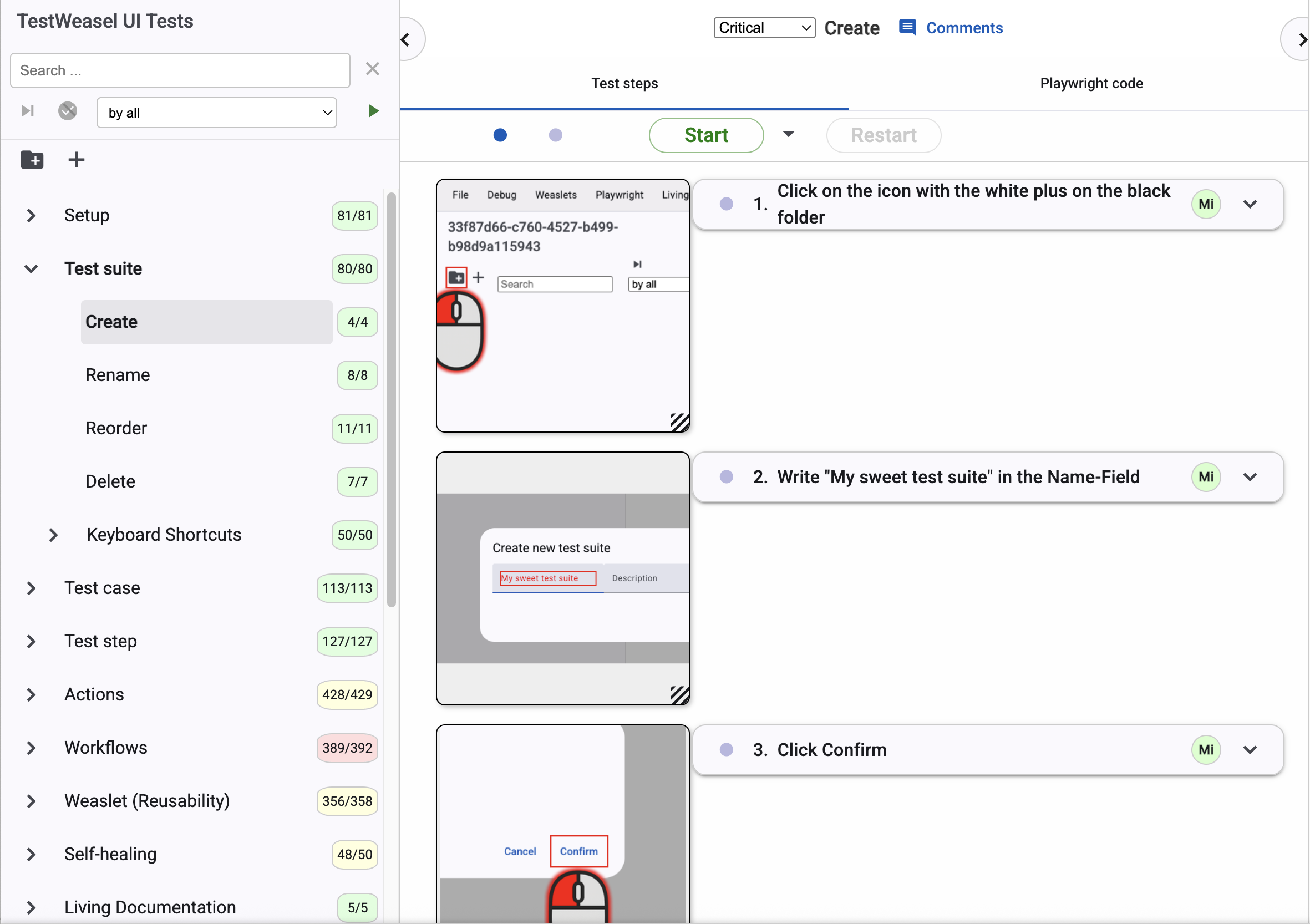
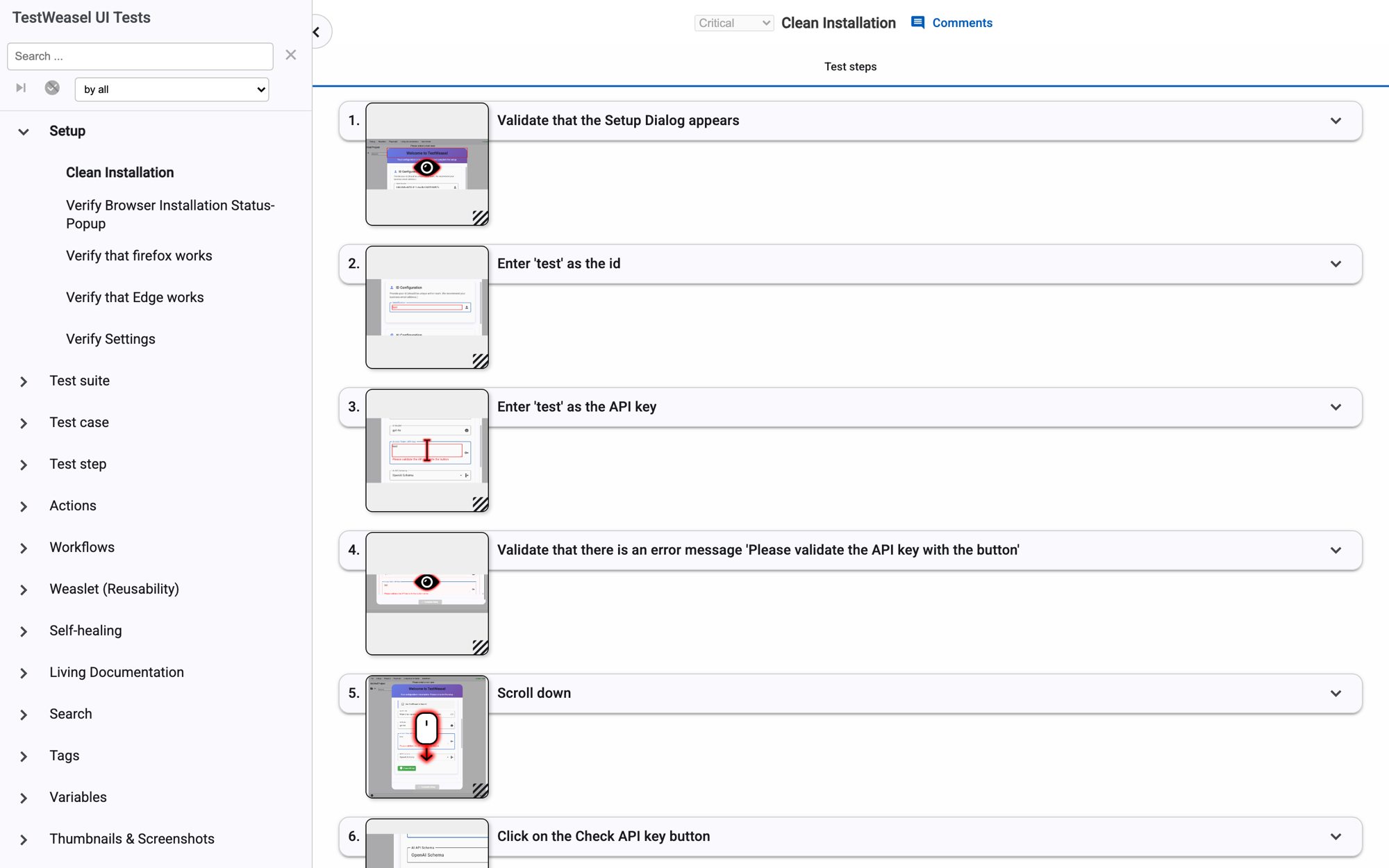
Every step shows a picture of the real application, with the element it checked marked.
For critical test cases a person confirms every step. The test case records who confirmed what, and when.
Your agent inside the app
Chat assistants hand you an answer. Your agent works inside your project: it writes the test case, starts it against your real application, watches what happens on screen and fixes what did not work — then runs it again.
And it never changes anything on its own. Every change arrives as a proposal: what it wants to add, change or delete, step by step. You accept it, or you don't.
New test cases and whole areas from a description — and it edits existing ones without touching the steps you did not mention.
It starts the test against your application, reads the error and looks at the screenshot of the moment it failed.
When a step no longer fits the application, it proposes the repair and tries again — until the test runs or it tells you why it cannot.
When your request allows two readings, it asks you instead of guessing — and it remembers what you decided for the next time.
03 — Documentation
Coding agents can write tests too. What they produce is code: to check whether it tests the right thing, you have to read it. What TestWeasel produces is readable steps, each with a picture of your real application next to it.
Share it with a link. Your living documentation opens in any browser, straight at the test case or the single step you mean. Nothing to install. Areas you mark as internal never appear there.
04 — Bug report
Found a bug? Build the test case that reproduces it — in plain language, with a picture of what you saw. Nobody has to reproduce it by hand, and nobody has to guess what you meant.
When the test case turns green, the bug is fixed. After that it stays in your project as protection against the bug coming back.
Progress without a test report
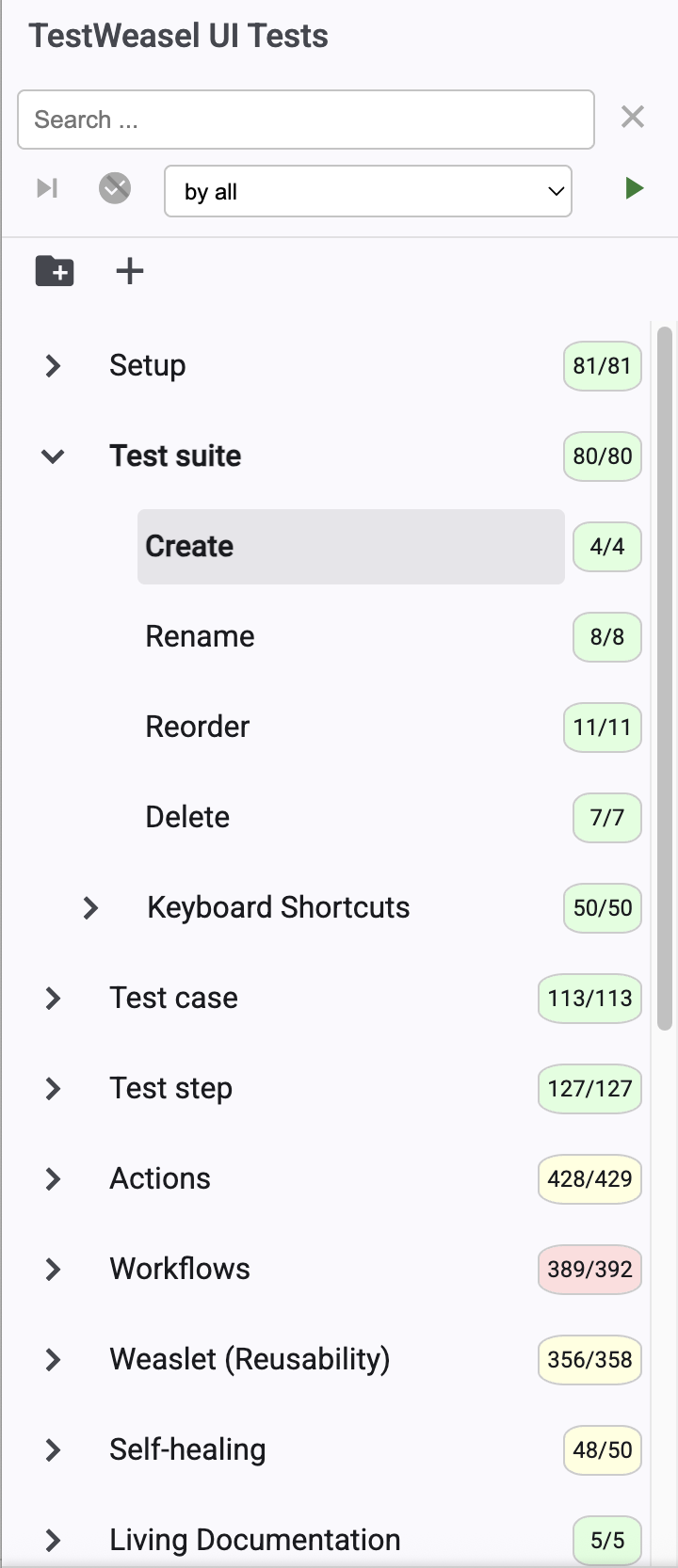
Every area counts its own steps, so you can see at a glance how much is covered and what is still open — no test report to decode.
Human control
You confirm. In critical test cases a person approves every single step. Who approved it, and when, stays visible in the test case.
Repairs are proposals. When a test becomes unstable or outdated, AI proposes a fix — and nothing is changed until you accept it.
Where speed is enough, mark a test case as non-critical and let AI confirm the steps itself.
Your data. Your model.
Point TestWeasel at your own endpoint — your Azure deployment or any OpenAI-compatible service your company has approved. Your application data goes to the provider you chose, not through us.
And once a test is confirmed — by you, or by the AI in non-critical cases — it runs as a plain Playwright script. No AI involved anymore: same result every run, and no AI cost per run.
What stays when everything else changes
Whether a developer or an AI agent writes the code, your specification defines what done means, and every run shows whether the code keeps up.
When a test becomes unstable or outdated, AI proposes a fix — and nothing changes until you approve it.
For your developers
What TestWeasel produces is a normal Playwright project — yours to run in your pipeline, review in your repository and keep if you ever walk away. The tool is free, also for commercial use. AI costs only arise while a test is being built or repaired — running it afterwards costs nothing, and you pay your own provider directly.
Everyone can generate code now.
Who says what it should do?
If you would rather not do it alone
Most teams get started on their own — that is what the free download is for. When you want it to go faster, we come in: a first working regression suite, your tests running in CI/CD, a health check on what you already built, or an expert alongside your team for a while.
AI speed. Human control.
Bring a question, a colleague or your manager: in 30 free minutes we build a first test case in your own application.
Windows available now · Linux and macOS coming soon · Free, also for commercial use